EQUA / Vinyl video maker
Put the cover in motion.
Spinner keeps the label centered and rotates the record from source time. Choose Off, a soft glow, or a strobe that follows the bass of the track, and optionally drop a photo behind the disc.
Centered rotation
Artwork framing
Audio reactive
Three moves / No timeline
From track to post.
Add the cover
Pick artwork from your device and frame it inside the fixed center label.
Load the track
Choose the exact release moment and preview the loop with local audio.
Export the format
Create vertical, square, feed, or landscape versions without rebuilding the project.
Made for
Release moments.
- Album artwork reveals
- Vinyl and cassette releases
- Lo-fi loops
- Catalog reissues
iPhone app / GPU looks
The catalog is in EQUA.
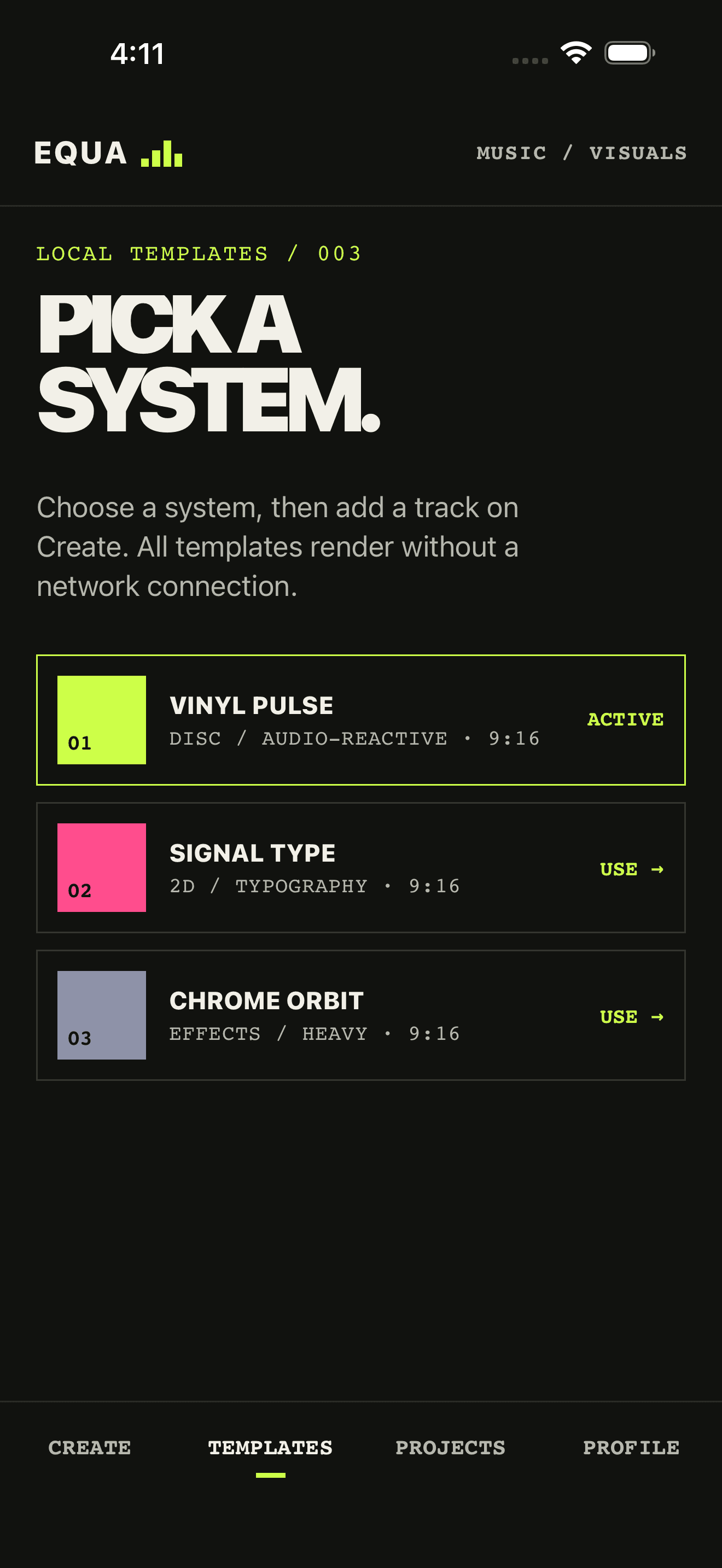
Spinner, Equalizer, and the Pro looks live in the iPhone catalog. Open the app, pick a direction, export an MP4.
Useful answers
Before you drop.
Does the artwork orbit around the record?
No. The vinyl disc and center label rotate around a shared center. Album cover art stays clipped inside the label instead of travelling around the canvas.
Can I reposition the cover?
No. Cover art stays centered on the label. You can enlarge or reduce it in the editor, up to half the disc diameter, which keeps the artwork readable on a spinning record.
Can one project produce several formats?
Yes. Duplicate a finished vinyl visual into 9:16, 4:5, 1:1, or 16:9. The track, cover, accent, and backdrop settings stay with the project.
Does the vinyl spin at a real record speed?
Yes. Spinner rotates from source time at 33 1/3 RPM, not from BPM, so the disc stays smooth even when beat confidence is low. Bass can still drive glow or strobe behind the record.
Can I make a vinyl video with my album cover for a release?
Yes. That is the Spinner look: local audio, optional artwork on the label, optional full-frame background, then an MP4 for Reels, TikTok, Shorts, or a square post. No After Effects turntable template.