EQUA / Instagram Reels format
Release art that survives the UI.
EQUA shows the real composition while you edit, then exports the same clean design without template names or interface chrome.
9:16 master
Artwork framing
Local render
Three moves / No timeline
From track to post.
Protect the focal point
Keep faces, labels, and release typography deliberately framed around the center of the vertical composition.
Preview the loop
Listen to the selected hook and check that the visual motion supports the release moment.
Make alternates
Duplicate the finished project into 4:5 or 1:1 for feed placements without changing the original.
Made for
Release moments.
- Reels teasers
- Cover reveals
- Pre-save campaigns
- Release countdowns
iPhone app / GPU looks
The catalog is in EQUA.
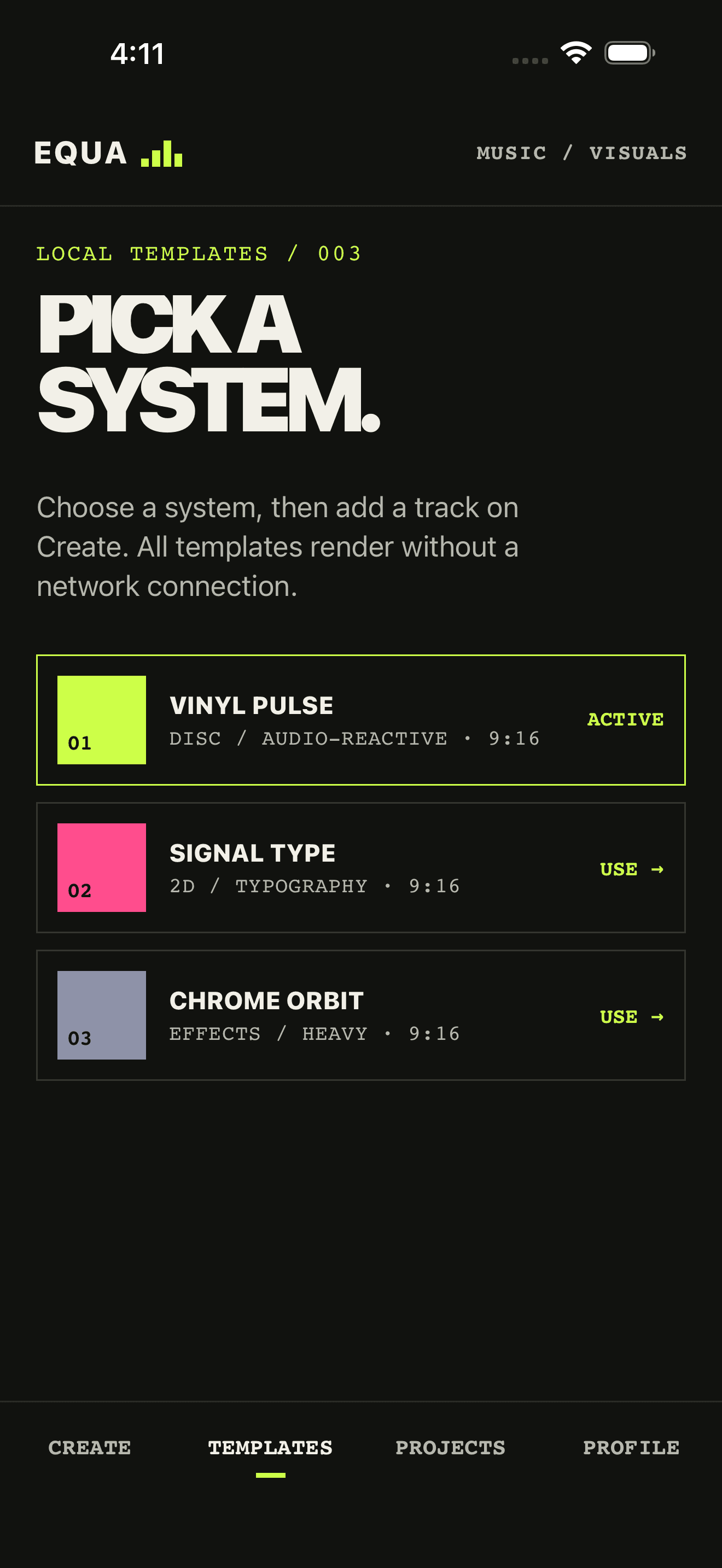
Spinner, Equalizer, and the Pro looks live in the iPhone catalog. Open the app, pick a direction, export an MP4.
Useful answers
Before you drop.
Does EQUA guarantee the Reels interface layout?
No. Instagram's overlay changes by device, account, and app version. Compose around the center of a 9:16 canvas, then review the MP4 inside Instagram before you publish.
Will editor UI be visible in my video?
No. Native export is the visual plus only the applicable Free-plan EQUA watermark. No template names, badges, or iPhone editor chrome on the file.
Can I also make a feed post?
Yes. Duplicate the Reels project into 4:5 or 1:1 and reframe independently for Instagram feed, while keeping the same track and cover art.
Can I make an Instagram Reels music visual from a song and cover art?
Yes. Drop a local audio file, add artwork on looks that use it, pick Spinner, Equalizer, Plasma, or another look, and export 9:16 at 1080p. The audio never has to leave the iPhone to build the visual.
Is this a spectrum visualizer, a vinyl loop, or both?
Both are in the catalog. Equalizer is a DJ spectrum. Spinner is a spinning record with your cover. Pro looks include waveform scope, polar radar, plasma, chrome, and CRT. Choose one system per export.