EQUA / Music visualizer
Make sound visible.
EQUA turns one hook and one cover into an opinionated audio-reactive video. Files stay on your device while templates handle composition, motion, and social framing.
Local media
4 aspect ratios
720p / 1080p
Three moves / No timeline
From track to post.
Drop the hook
Choose a track and isolate the 7, 10, 15, or 30 second section that carries the release.
Choose a system
Start from a designed visual language instead of rebuilding a timeline from an empty canvas.
Frame and export
Scale cover art on looks that use it, review the live preview, then export a social-ready MP4 on iPhone.
Made for
Release moments.
- Single announcements
- Release-day loops
- DJ edits and previews
- Short-form music posts
iPhone app / GPU looks
The catalog is in EQUA.
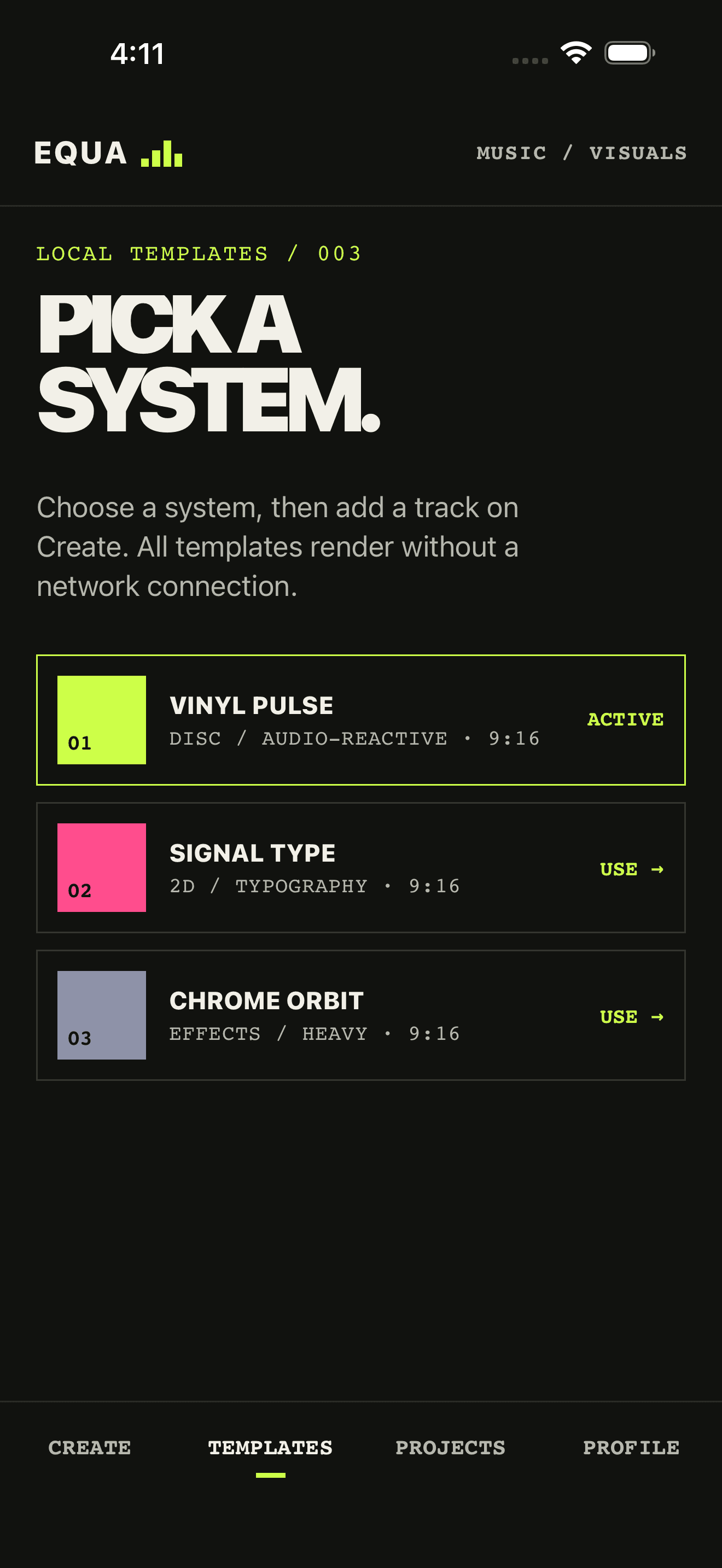
Spinner, Equalizer, and the Pro looks live in the iPhone catalog. Open the app, pick a direction, export an MP4.
Useful answers
Before you drop.
Does EQUA upload my music?
No. The iPhone music visualizer uses local files by default. Your source audio, cover art, and exported MP4 stay on the device unless you choose to share the finished video yourself.
Which social formats are supported?
EQUA exports 9:16, 4:5, 1:1, and 16:9 at 720p or 1080p, so one project can cover TikTok, Instagram Reels, YouTube Shorts, feed posts, and landscape cuts.
Is the visual actually audio reactive?
Yes. On-device analysis maps amplitude, onsets, low-frequency kick energy, a 24-band spectrum, and a confidence-gated beat grid. Preview and export use that same rhythm map.
Can I make a vinyl record or equalizer visualizer without After Effects?
Yes. EQUA is an iPhone app, not a desktop timeline. Spinner puts album cover art on a spinning disc. Equalizer is a DJ-style spectrum. Plasma and other Pro looks add generative motion. No After Effects, CapCut timeline, or cloud render queue.
Is the music visualizer free?
Spinner and Equalizer are free. The first export is clean; the next three include a small EQUA watermark. EQUA Pro is an auto-renewable Apple subscription that unlocks every look and unlimited watermark-free MP4 exports.